The App Settings page is divided into multiple customization sections. Each section controls a specific part of the product options widget displayed on the product page.
On the right side, there is a live preview panel where you can instantly see how your customization will appear to customers.
This allows merchants to adjust the styling and configuration before applying it to their Shopify store.
1. Options Block Title and Customisation
This section allows you to customize the main title of the product options block displayed on the product page.
What you can customize
Options block title text
Font style
Font weight
Font size
Alignment
Colors
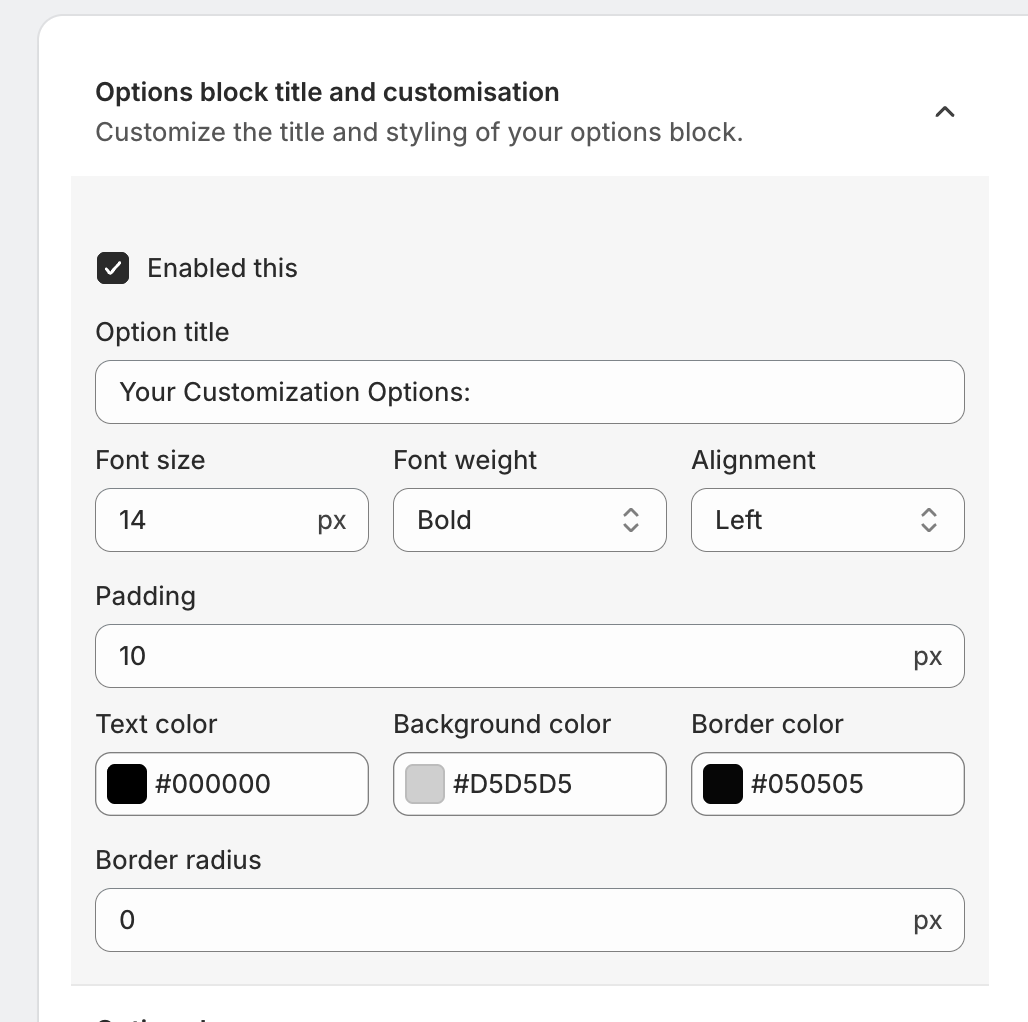
Example
Instead of the default title like:
“Your Customization Options”
You can change it to:
"Customize Your Product"
"Select Add-Ons"
"Personalization Options"
This helps merchants align the options section with their brand tone.
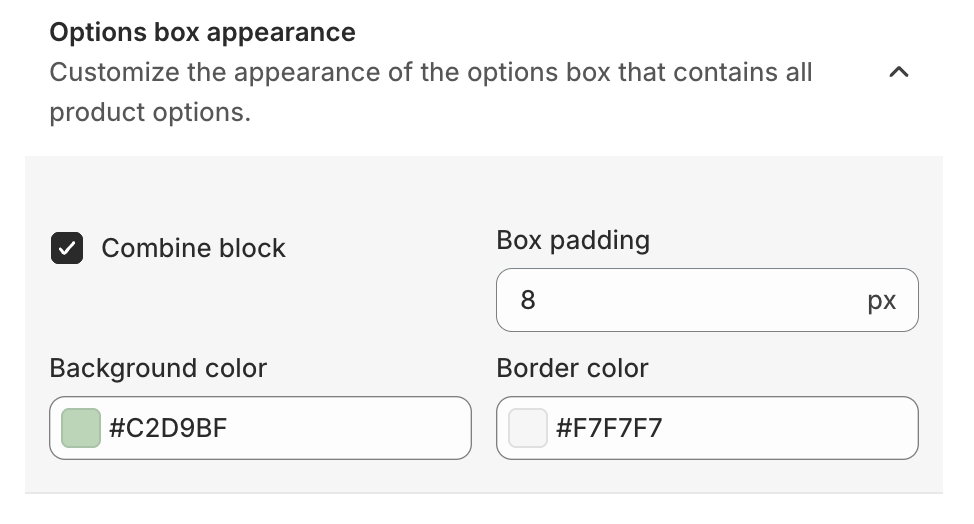
2. Options Box Appearance
The Options Box Appearance settings control the design of the container that holds all product options.
Customizable elements
Background color
Border Color
Padding
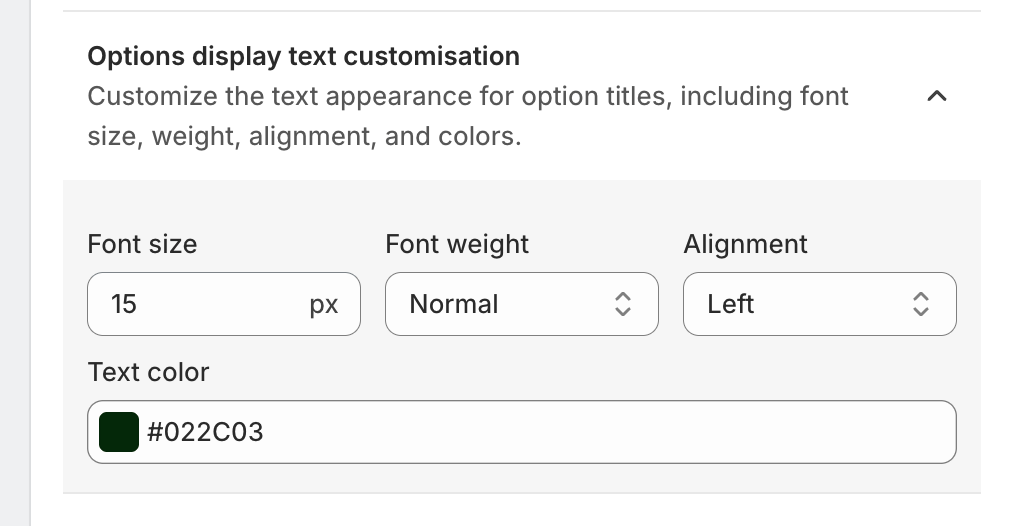
3. Options Display Text Customisation
This section controls the styling of option titles displayed above each product option.
Elements you can customize
Font size
Font weight
Text alignment
Text color
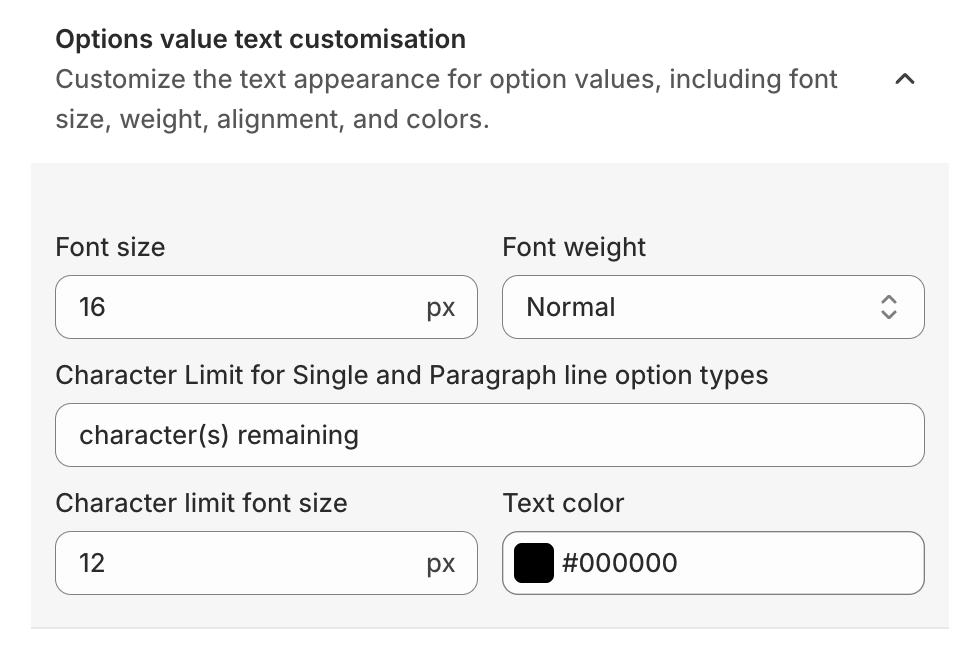
4. Options Value Text Customisation
The Options Value Text Customisation settings control how the option values appear.
Option values are the selectable items inside an option.
5. Options Help Text Customisation
Help text appears below an option title to provide additional guidance to customers.
Example
Option: Custom Text
Help text:
Maximum 10 characters allowed.
This section allows merchants to customize:
Help text font size
Font color
Weight
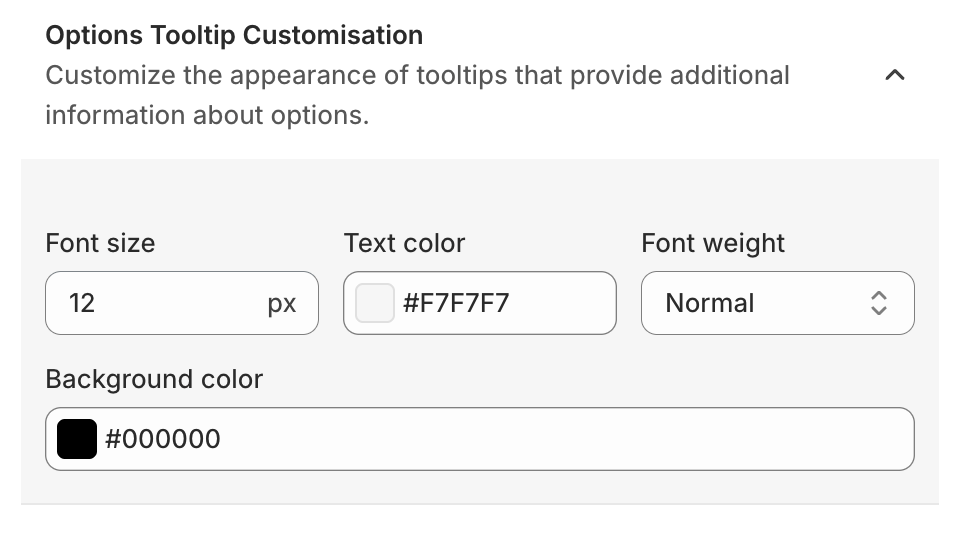
6. Options Tooltip Customisation
Tooltips provide extra information about product options.
When customers hover over the tooltip icon, they can see additional details.
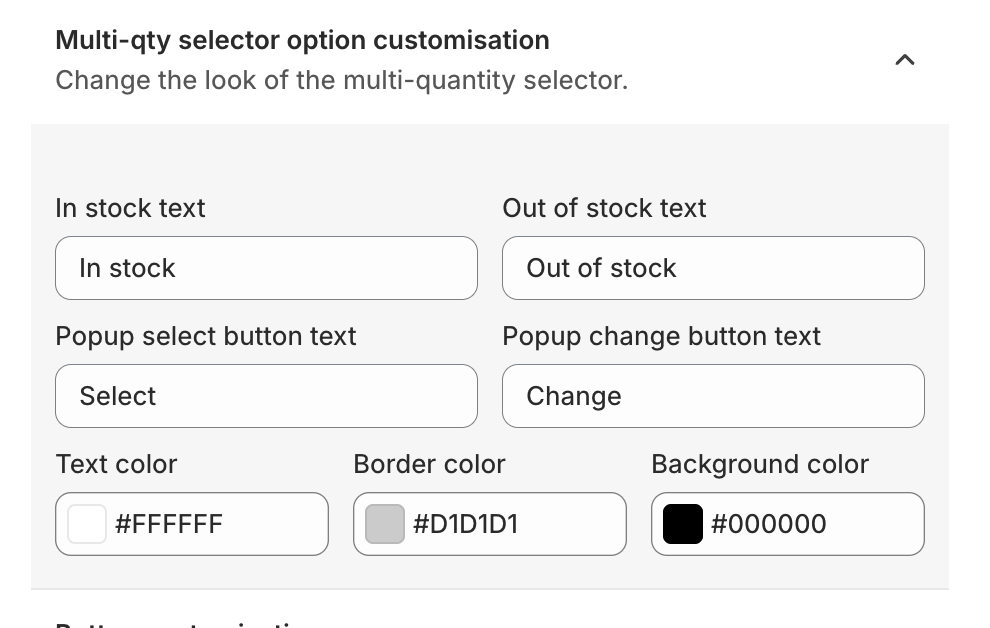
7. Multi-Quantity Selector Option Customisation
Some product options allow customers to select multiple quantities.
This section allows merchants to customize the appearance of the multi-quantity selector.
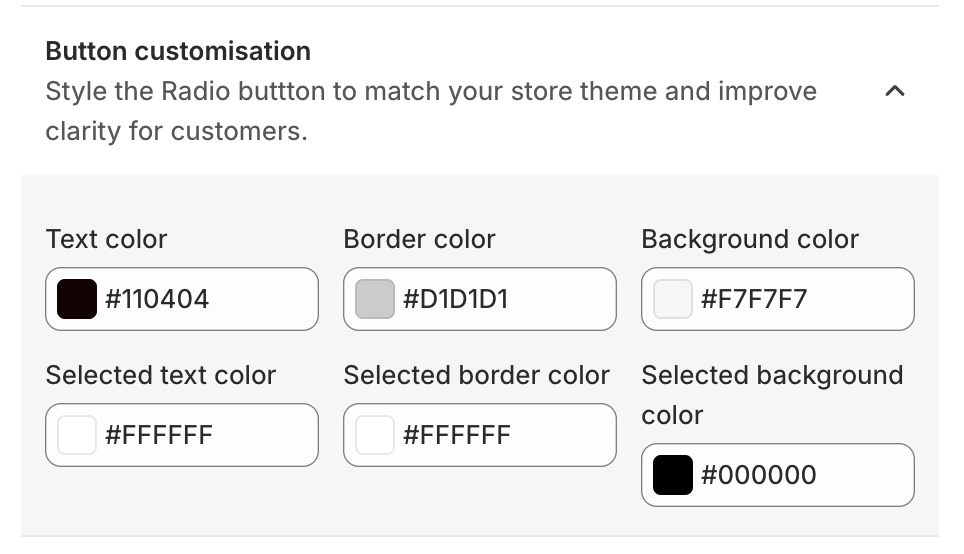
8. Button Customisation
The Button Customisation settings allow merchants to style option buttons such as radio buttons or selectable options.
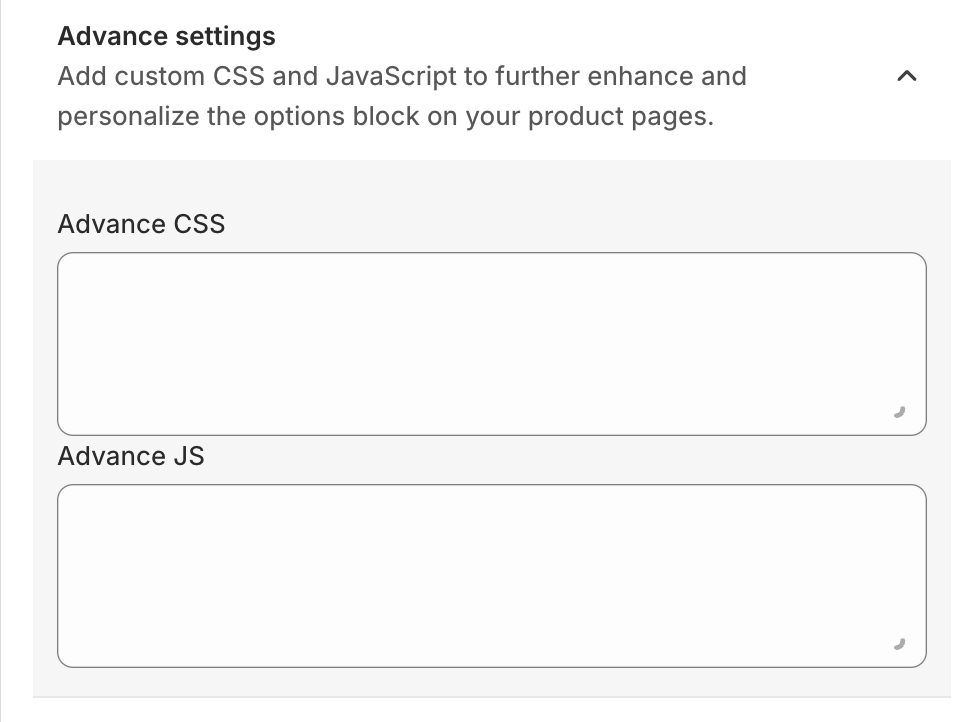
9. Advanced Settings
The Advanced Settings section provides additional customization capabilities for developers or advanced users.
Merchants can add:
Custom CSS
Custom JavaScript
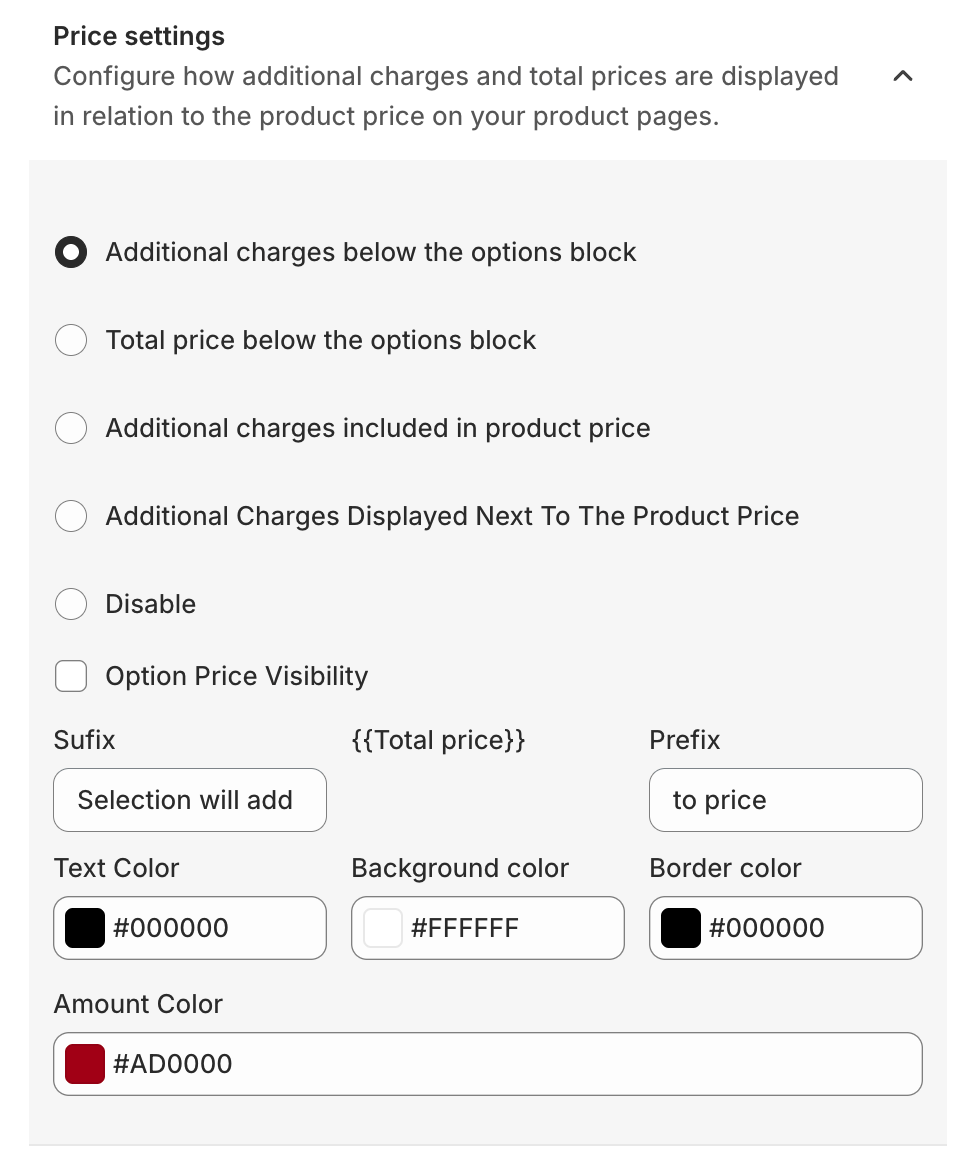
10. Price Settings
The Price Settings section controls how additional option prices are displayed on the product page.
11. Image Change Selector
The Image Change Selector allows product images to change automatically based on the option selected.
When a customer selects Red, the product image automatically switches to the red version.
To enable this, merchants must provide the image tag class used in their Shopify theme.
This feature improves the visual shopping experience.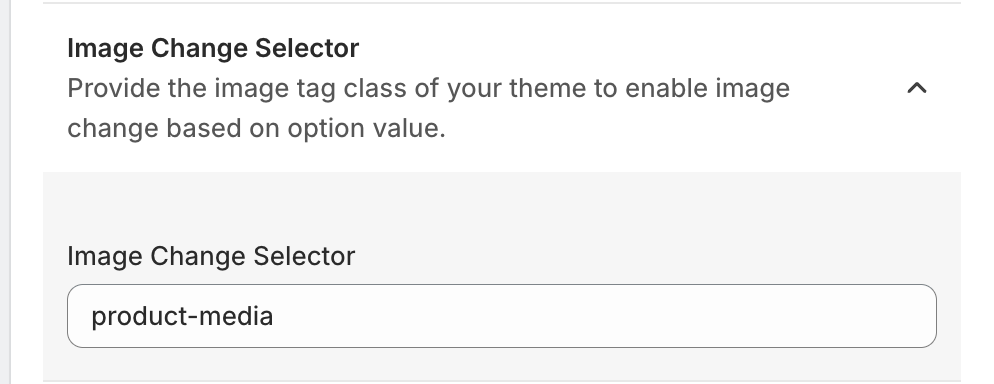
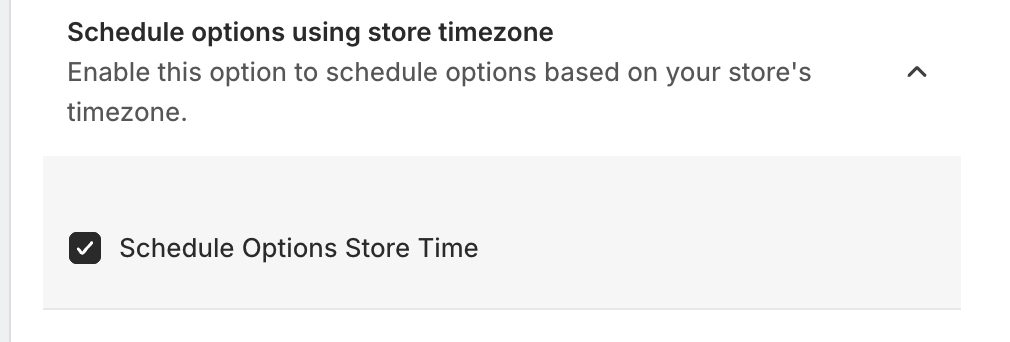
12. Schedule Options Using Store Timezone
This feature allows merchants to schedule product options based on their store's timezone.
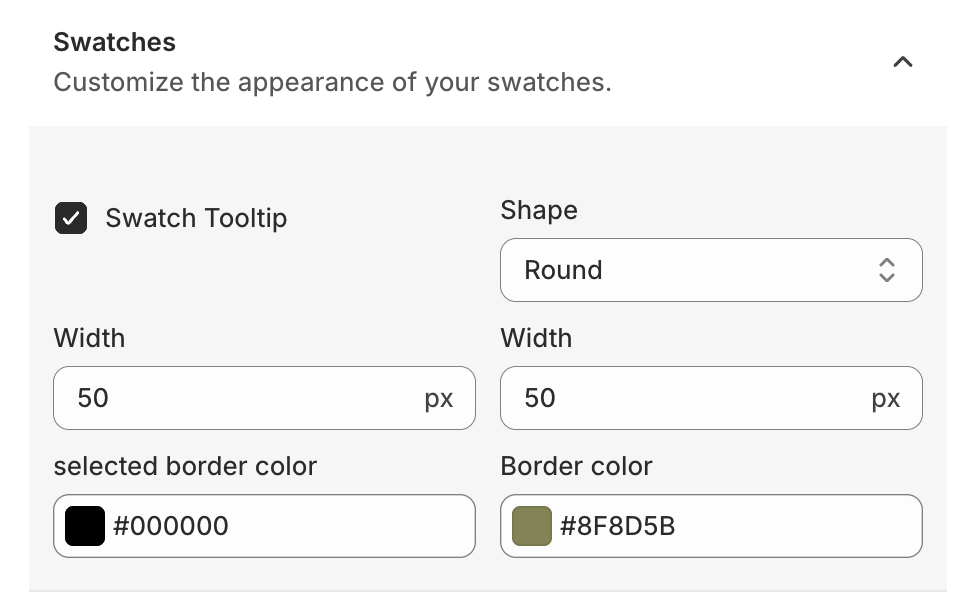
13. Swatches Customisation
The Swatches settings allow merchants to customize the appearance of color or image swatches.
Was this article helpful?
That’s Great!
Thank you for your feedback
Sorry! We couldn't be helpful
Thank you for your feedback
Feedback sent
We appreciate your effort and will try to fix the article